
The iPhone app
Your travel eSIM on iPhone
Choose your destination, pay, install your eSIM and track your data, all in one place. Running low on data? If your plan allows it, top up the same eSIM, with nothing to reinstall.

The app is only available on iPhone for now. On Android, you buy your eSIM on the website, in your browser. No iPhone? Choose your destination on the website →
Free · For iPhone · In French, English, Spanish and German
What you can do with the app
Buy your eSIM
Search for your destination, then set the length of your trip and your usage: the app recommends a plan. You pay by card or Apple Pay.
Install it from the app
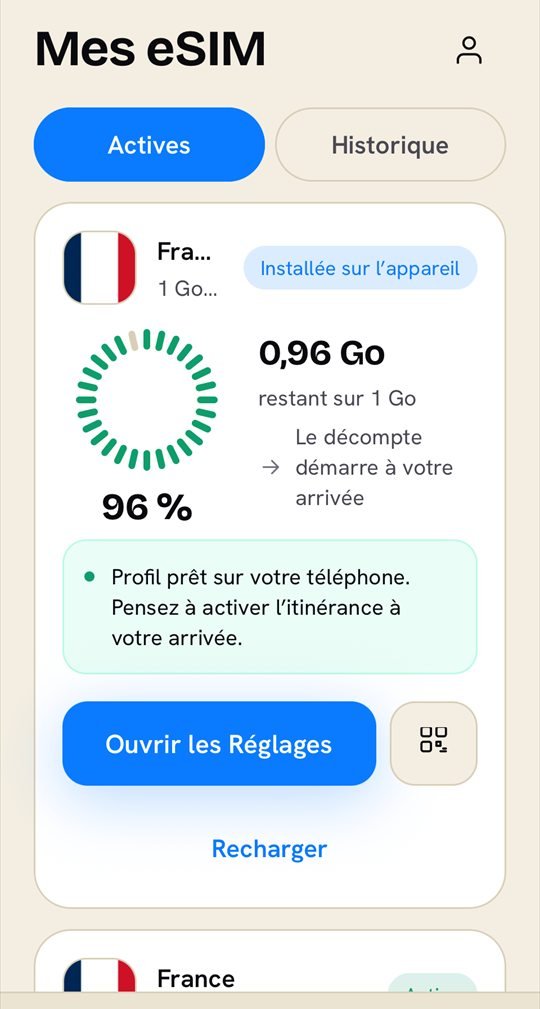
Install your eSIM from the app before you leave. Otherwise: a QR code to scan from another device, or codes to copy into Settings.
Track your data
In “My eSIMs”, you can see how much data you have left, in GB and as a percentage. Pull the screen down to refresh it.
Top up without reinstalling
Running low on data? Tap “Top up” on your eSIM: you add GB and days to the same eSIM, with nothing to reinstall. If it can't be topped up, the app offers you a new plan.
Getting started
- Download the app
It's free on the App Store. You'll need an iPhone.
- Sign in
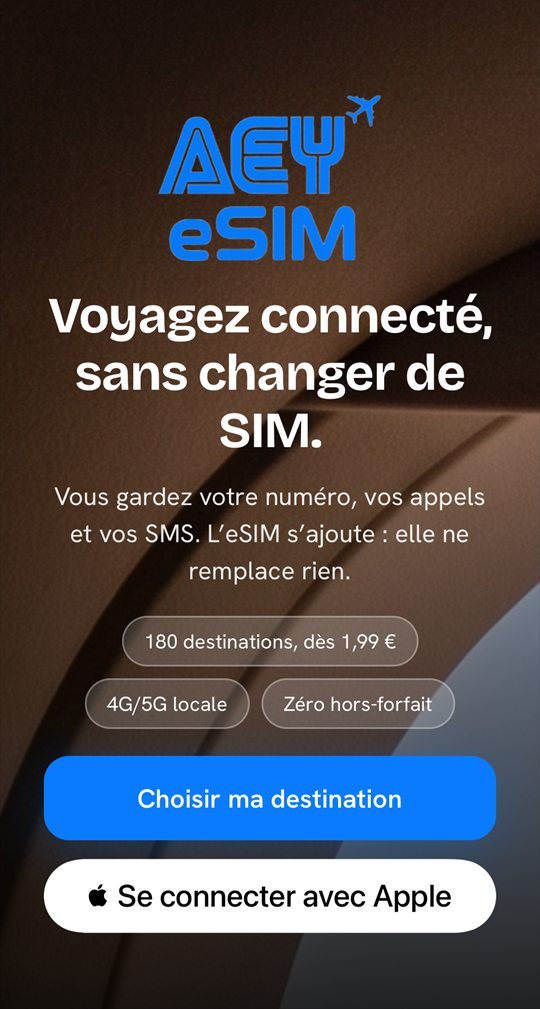
With “Sign in with Apple”, or with your email: we send you a six-digit code. No password.
- Choose your destination
Buy your plan, or find the eSIMs you bought on the website with the same email address in “My eSIMs”.
Screenshots of the French version. The app appears in your iPhone's language if it's French, English, Spanish or German.
Frequently asked questions
Is the app free?
Yes. The app is free on the App Store: you only pay for the plans you buy. You can even browse destinations and prices without an account.
What if I have an Android phone?
There's no Android app for now. On Android, use aey-mobile.com in your browser: you choose your destination, pay and receive your eSIM.
Do the eSIMs I bought on the website show up in the app?
Yes, if you sign in with the same email address you used when you bought them. If you choose “Hide My Email” with Apple, they won't show up: sign in with your own address instead, using the six-digit code.
How do I pay in the app?
By card or Apple Pay, via Stripe, our payment provider, in euros. Payment doesn't go through the App Store. Before you pay, you see the summary and the total, and the terms of sale are right below the button.
What languages is the app in?
French, English, Spanish and German. It opens in your iPhone's language if it's one of the four, otherwise in English. You can change it in the Account tab; the next time you open the app, it goes back to your iPhone's language.
Can I delete my account?
Yes, from the Account tab, in two taps. Your account is then closed on all your devices, and you stop receiving notifications. Your invoices are kept for ten years, as required by law.
Download the app
It's free. Install your eSIM before you leave: your plan starts when you arrive at your destination.
The app is only available on iPhone for now. On Android, you buy your eSIM on the website, in your browser.